Sky Software allows the use of Status which can be selected against each transaction so that the data within that transaction type can be filtered allowing the tracking and the control of each transaction within that type. In fact the user can add their own filter words that will fit their specific practice.
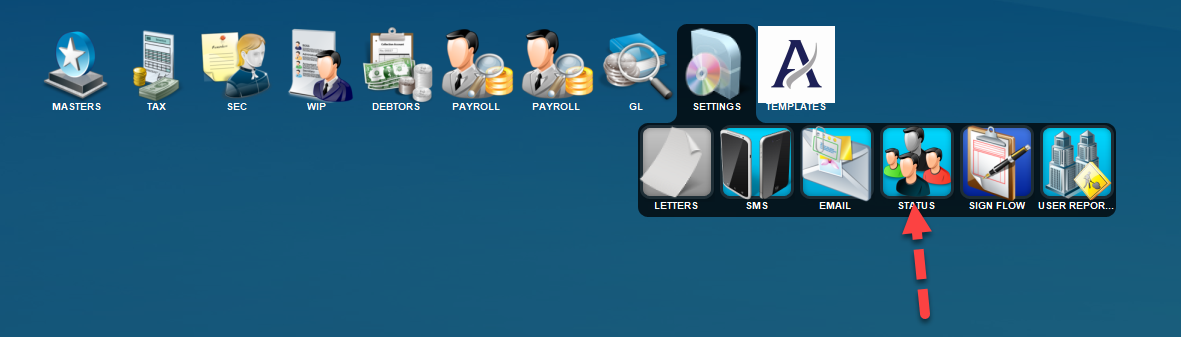
Status will be found on the menu option below.
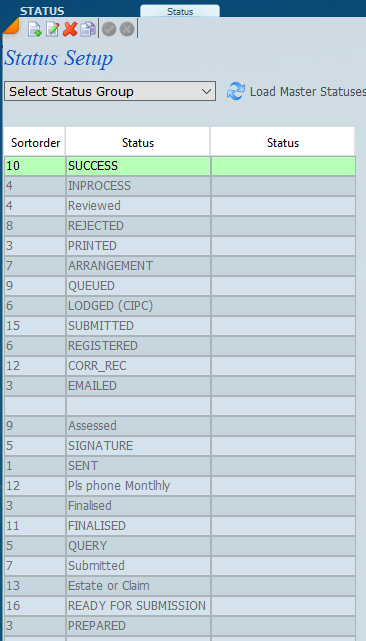
Once selected the following screen will display. Click on the down arrow to Select Status Group for the transaction type you want to add or edit. Then click on the refresh icon - arrows to load Master Statuses.
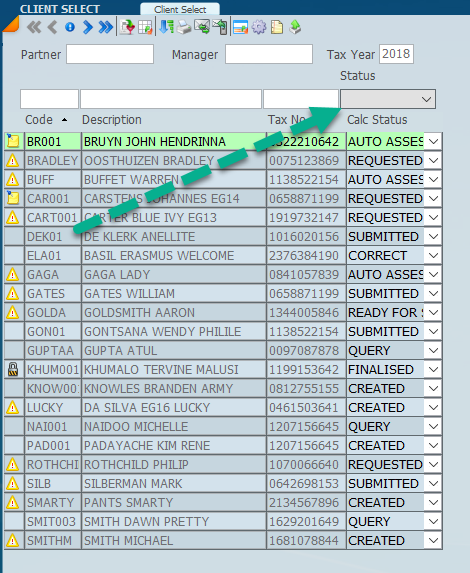
The screen below shows how the STATUS is used to FILTER. The green arrow allows the selection of the status required and the list will refresh with all those records for the status selected.